Vaiz Templates: Start Projects With Less Setup
What Vaiz Templates Are
Templates are pre-configured board setups with columns, fields, and starter tasks already in place. They reduce setup time for repeated patterns like sprints, marketing campaigns, or RAID logs.
Templates work like an opinionated starting point. Pick one when creating a new project and the columns, custom fields, and a small set of starter tasks already exist. Edit from there rather than from a blank board.
Preconfigured board setups
Columns, fields, and starter tasks ready on day one. Three to five columns covers most workflows; custom fields stay scarce so the form remains scannable.
Framework templates to verify
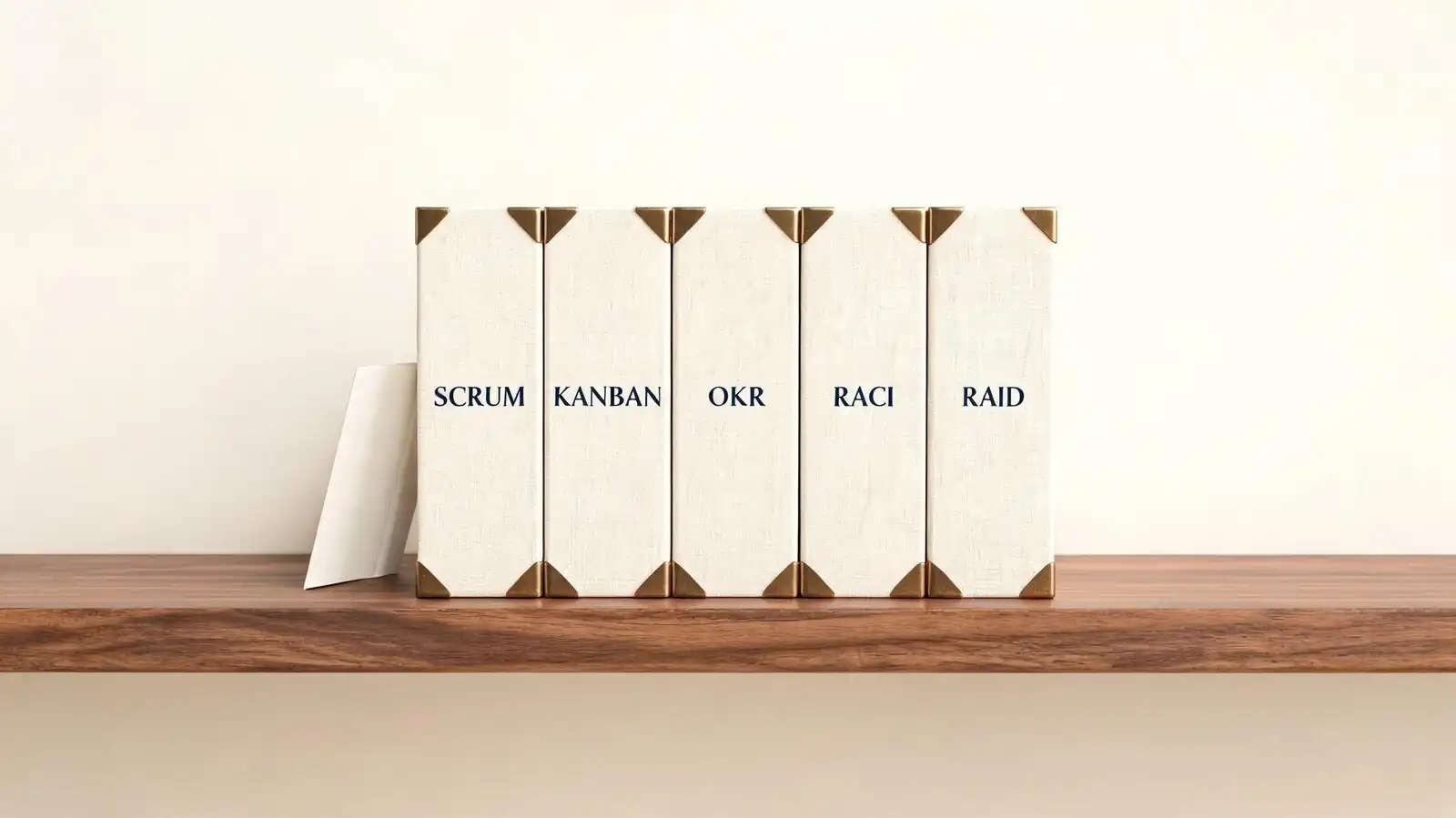
Scrum, Kanban, Waterfall, OKR, RACI, RAID. Customise the template once after creation and save the result as the team template so future projects inherit the shape.
When templates save time
Recurring project types where setup decisions are already settled. Customise the template once after creation and save the result as the team template so future projects inherit the shape.
- Team templates — marketing, development, CRM, operations.
Templates are a starting point, not a finished system; expect to tune them after a sprint or two.
Pick the closest template, then customise — that beats both blank boards and over-engineered setups.
Project Management Templates
Scrum, Kanban, and Waterfall templates cover the standard PM frameworks. Each pre-configures the columns and views that match the methodology.
The PM framework templates are useful even if the team customises them heavily. They encode the "what columns do we need?" decision so the team can focus on workflow rather than setup.
Scrum and Kanban setups
Backlog, sprint, in progress, review, done columns; sprint planning fields. Three to five columns covers most workflows; custom fields stay scarce so the form remains scannable.
Waterfall planning structure
Phase-based structure with milestones. Verify the current numbers on vaiz.com before quoting them to procurement; SaaS list prices drift.
Milestones and Gantt views
Switch views to plan timelines from the same template. Switching to Gantt does not duplicate tasks — the same records render as bars on a timeline.
- Kanban — to do, in progress, done with WIP limits.
Use the template that matches how the team thinks about work, not the methodology a manager prefers.
Match template to the team's actual workflow; methodology debates rarely improve delivery.
Strategy and Risk Templates
OKR templates structure quarterly objectives and key results. RACI maps responsibilities. RAID logs track risks, assumptions, issues, and dependencies in one place.
The strategy templates are less about daily execution and more about quarterly framing. They give leaders a starting structure for setting goals and managing risk without rebuilding the format each cycle.
OKR template use cases
Quarterly objective and key result tracking. Customise the template once after creation and save the result as the team template so future projects inherit the shape.
RACI responsibility mapping
Who is Responsible, Accountable, Consulted, Informed. Customise the template once after creation and save the result as the team template so future projects inherit the shape.
RAID log for risks and decisions
Risks, assumptions, issues, dependencies. The AI assistant ships on Premium; MCP support extends workspace data to Claude Desktop and Cursor under existing permissions.
- Quarterly cadence — pair these templates with a recurring automation to surface review reminders.
Treat strategy templates as scaffolding for conversations, not as boxes to fill at quarter-end.
OKR, RACI, and RAID templates structure thinking; they don't replace it.
Team Use Case Templates
Marketing, development, and CRM templates encode common team workflows. They shorten the setup time when launching a new project type.
The use-case templates cover the projects most teams recreate every few months. Pick the closest one and customise; don\'t build from blank if a template already encodes the structure.
Marketing campaign boards
Brief, draft, review, launch, retro. The AI assistant ships on Premium; MCP support extends workspace data to Claude Desktop and Cursor under existing permissions.
Software development workflows
Backlog, sprint, in progress, code review, deployed. Start with one painful chore and watch the rule for a week before adding another; rule sprawl is the silent killer.
CRM and sales pipeline setups
Lead, qualified, opportunity, won, lost. Use Vaiz as a lightweight CRM stage; graduate to a dedicated CRM when email tracking, sequences, or forecasting become bottlenecks.
- Operations templates — onboarding, offboarding, vendor management.
Treat the use-case templates as the team library: every recurring project should have one.
Templates by use case beat templates by methodology; teams adopt what matches their work.
How to Customize Templates
Tune templates by editing columns, custom fields, and statuses after creation. Set roles and permissions, then add automations on top.
The customise step is where templates become a team\'s own system. Spend an hour on the first instance of a template; future projects inherit the work.
Columns, fields, and statuses
Document changes in the template description so future users know the intent. Three to five columns covers most workflows; custom fields stay scarce so the form remains scannable.
Roles and permissions
Avoid one-off field changes; promote useful ones into the template. Account-protection capabilities continue to mature through 2026; verify the current state in your workspace before relying on a specific control.
Automations after template creation
Review the template every quarter alongside the projects it spawns. Start with one painful chore and watch the rule for a week before adding another; rule sprawl is the silent killer.
- Pick the closest template.
- Edit columns, statuses, and custom fields for the team\'s vocabulary.
- Assign default roles and groups.
- Add the two or three automations that make the template self-running.
- Save the customised version as your team template for the next project.
The customised template is the asset; the original Vaiz template is the starting point.
Customise once, reuse forever. The team template becomes the local system.
Template Mistakes to Avoid
The two biggest mistakes are picking a template that is too complex for the team and ignoring team adoption. A template the team doesn't use is worse than a blank board.
Templates fail more often from over-ambition than from missing features. Three specific mistakes account for most of the failures.
Choosing too complex a template
Start simple; add structure as the team needs it. Customise the template once after creation and save the result as the team template so future projects inherit the shape.
Keeping unused fields
Every unused field is a small tax on the next person to open a card. Three to five columns covers most workflows; custom fields stay scarce so the form remains scannable.
Ignoring team adoption
Train, document, and check usage at the next retro. Set roles at invite time and review access quarterly; loose permissions are the most expensive thing to retrofit.
- Skipping permissions — clarify who can edit the template before propagation.
The right template is the one the team actually uses; everything else is theoretical.
Simpler templates ship; complex templates stall.
Frequently asked questions
What templates does Vaiz include out of the box?
Scrum, Kanban, Waterfall, sales, marketing, development, and operations templates, plus strategy templates including OKR, RACI, and RAID.
Can I create custom templates?
Yes. Customise an existing template, then save the customised version as a team template for reuse.
Are templates available on the Free plan?
Yes. Templates are part of the core product, not gated behind a paid plan.
Should I customise templates before sharing with the team?
Yes. Spend an hour tuning columns, fields, and automations before propagating a template; that hour saves dozens of small edits later.
Can templates include automations?
Yes. Automation rules can be saved as part of a customised template so new projects inherit the same workflow.